3D Figurine Prompts for Nano Banana Pro
Explore creative 3D figurine ideas with AI prompts. Browse action figures, collectible blind box designs, miniature models, and custom toy packaging. Copy prompts and customize your own 3D creations.
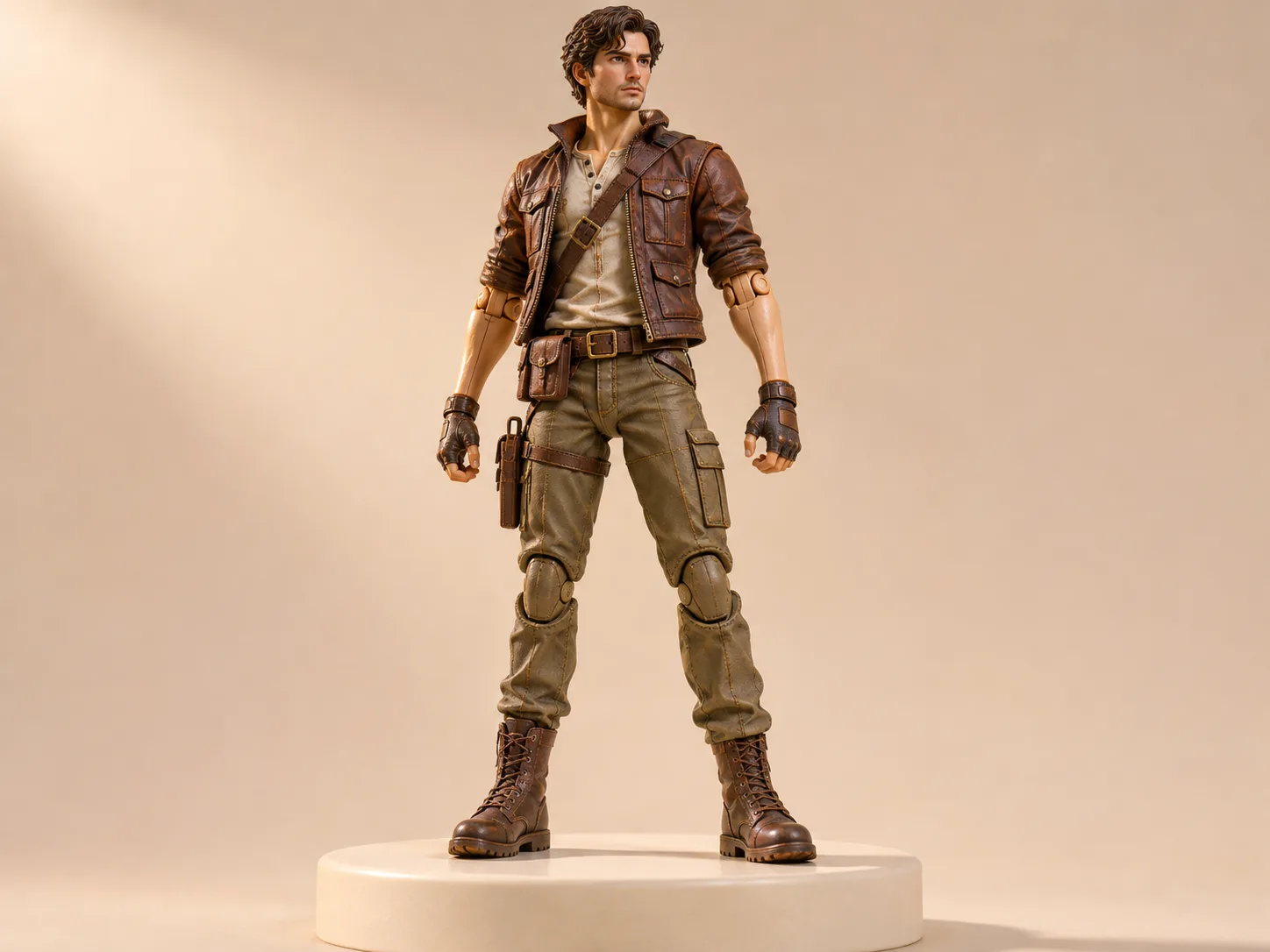 3D Action Figure Prompts Articulated characters, detailed outfits, accessories, and collector displays. View Prompts →
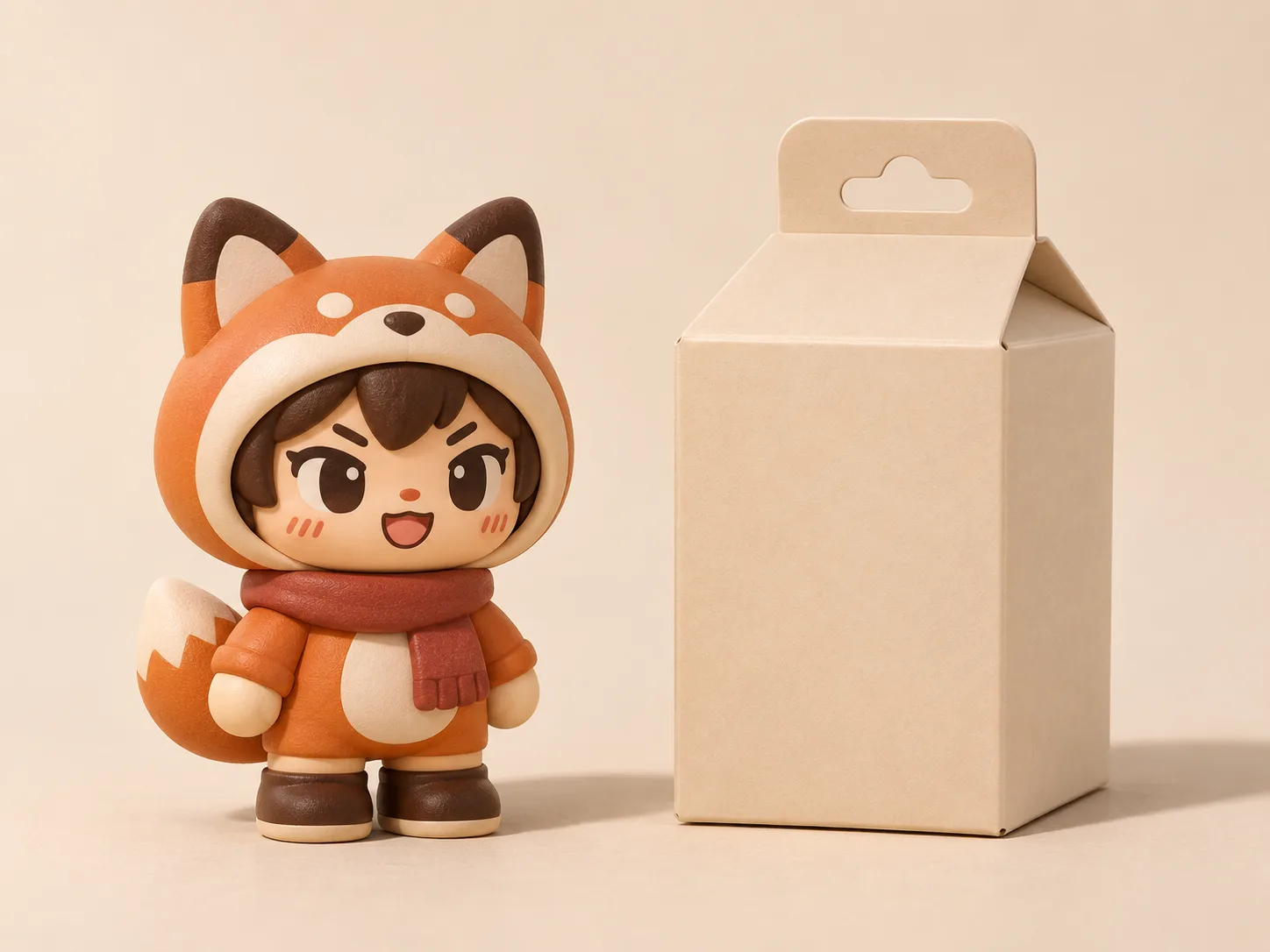 3D Blind Box Prompts Rounded vinyl characters, coordinated series, and mystery cartons. View Prompts →
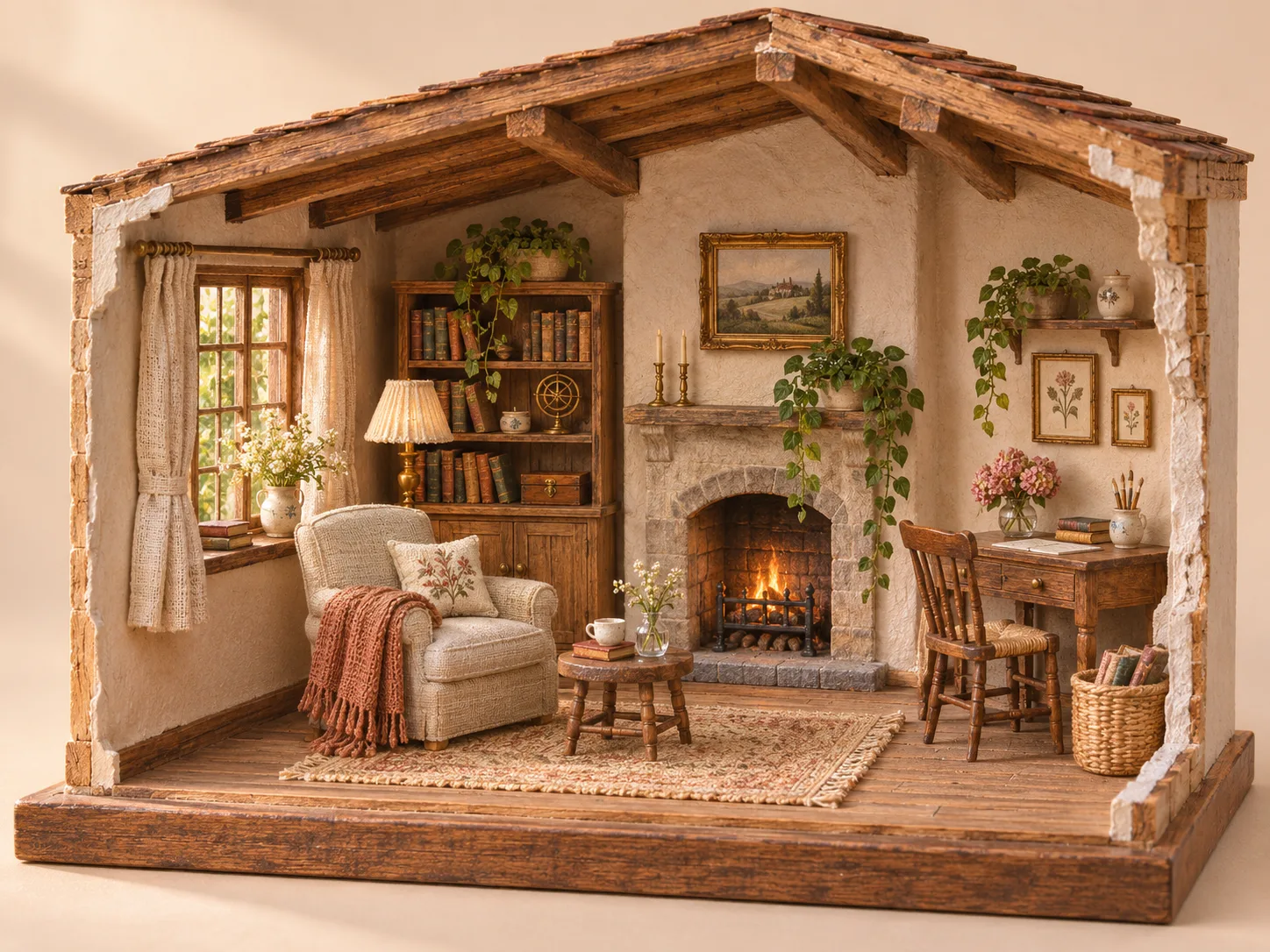 3D Miniature Prompts Cutaway rooms, tiny shops, architectural models, and tabletop worlds. View Prompts →
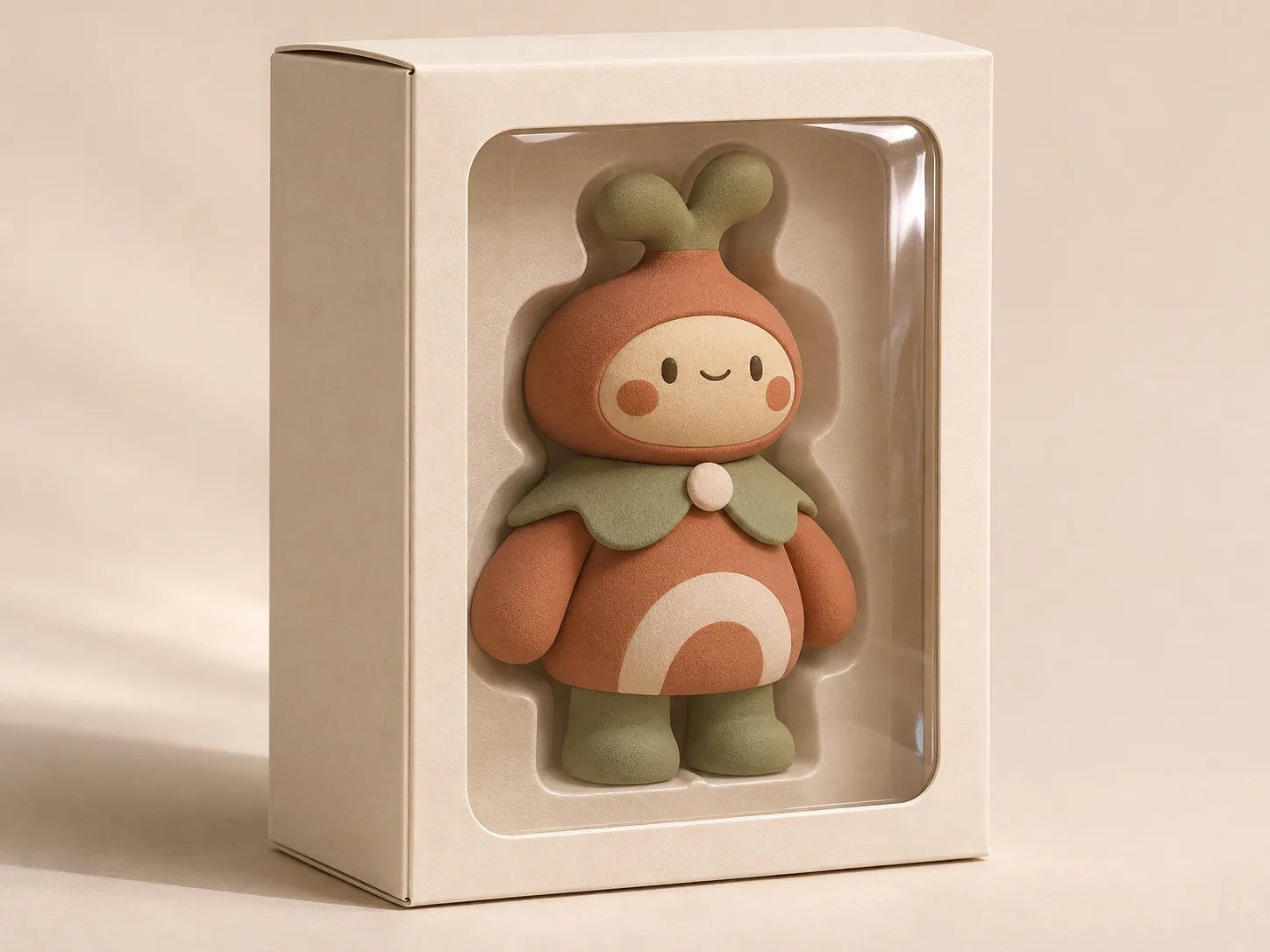 3D Toy Packaging Prompts Window cartons, molded blister packs, rigid boxes, and retail presentations. View Prompts →
Choose the Object You Want to Design
Start with Action Figures when the character, joints and pose matter most. Choose Blind Boxes for compact toys that belong to a coordinated series. Miniatures focus on spaces and scale; Toy Packaging focuses on how a product sits inside a carton or display case.
These prompts create images of 3D objects. They are useful for exploring a visual direction, but they do not generate printable meshes, manufacturing drawings or production-ready packaging files.
FAQ
What are 3D figurine prompts used for?
They describe the shape, materials, setting and lighting of a toy or model concept so an image tool can render an example.
How do I use a prompt?
Open a collection, copy a prompt and paste it into Nano Banana Pro. Adjust the subject or materials, then inspect the first result before adding more details.
Which collection should I choose?
Use Action Figures for articulated characters, Blind Boxes for small collectible series, Miniatures for environments and Toy Packaging for cartons, trays and display windows.
Can I turn a concept into a physical product?
A concept image can inform a modeling or packaging brief. A physical product still needs dimensioned design, material decisions, prototyping and safety checks.