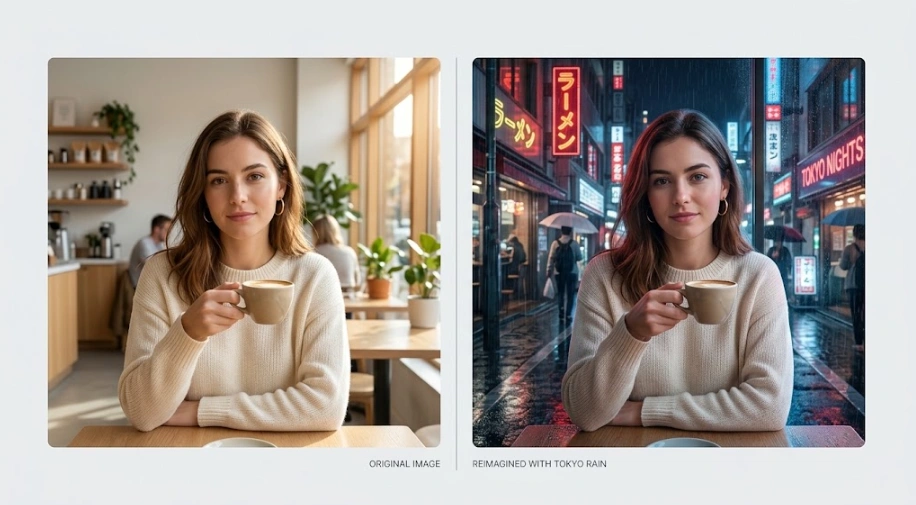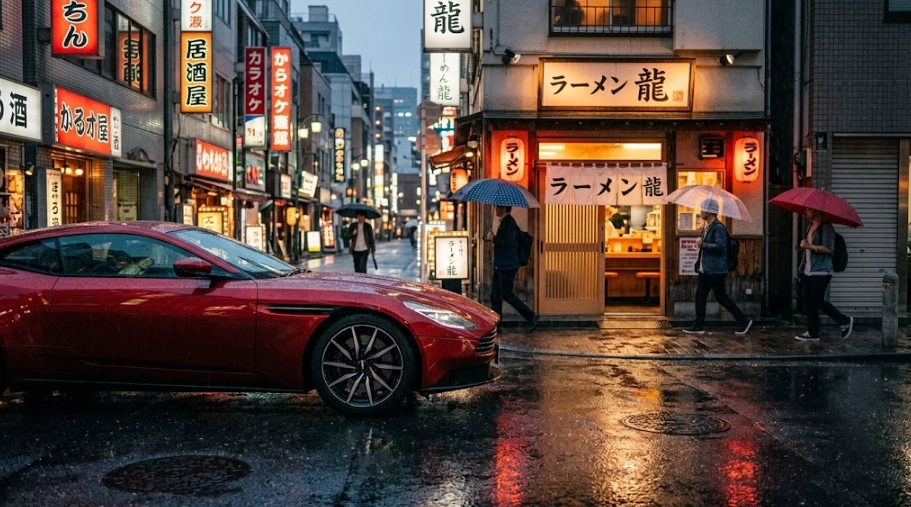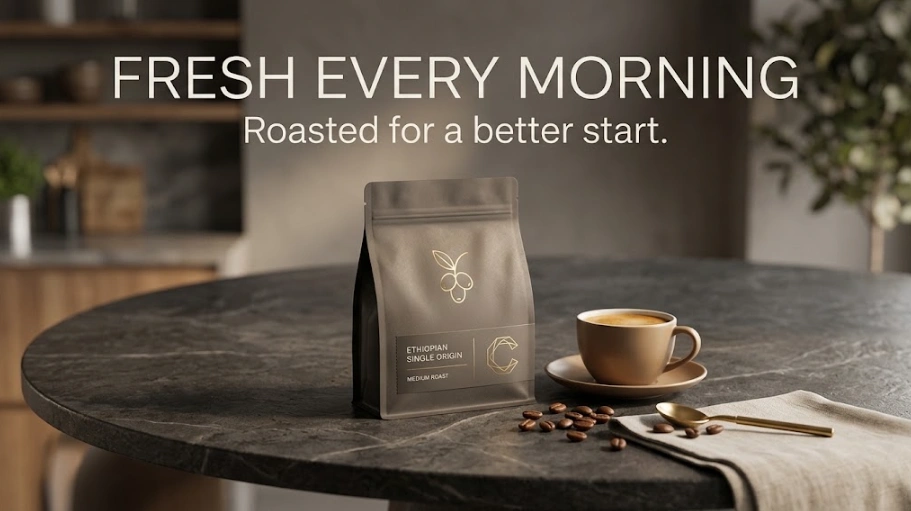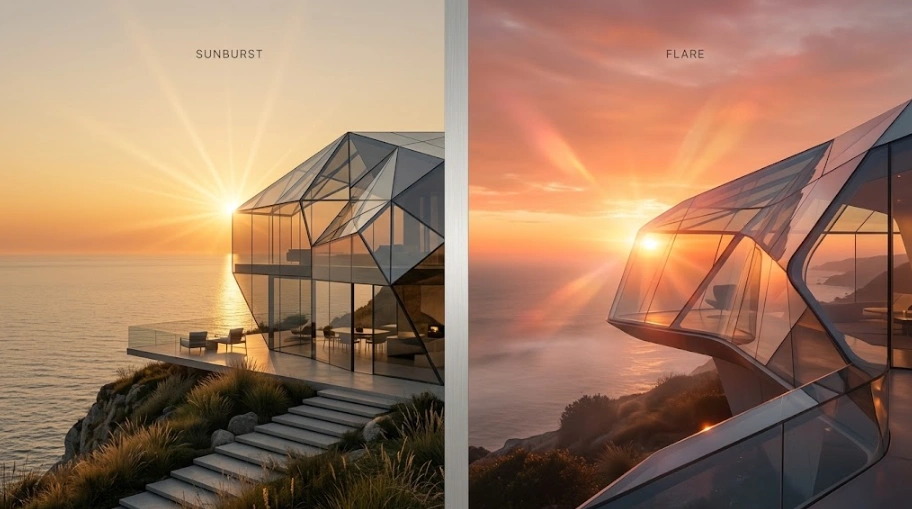
Turn an idea into an image, or start with an existing image and change what you need. GPT Image 2.5 is built for detailed generation and precise editing, with two models for different workflows: Sunburst for demanding image work and Flare when speed matters.
How GPT Image Works
You don't need a complicated workflow.
Describe
Write what you want to create. Keep it simple or include the details that matter.
Add an Image
Starting from an existing image? Upload it and tell GPT what you want to change.
Generate
Choose the settings that fit your task and generate the image.
Refine
If something isn't right, describe the change and generate again.
Idea → Prompt → Generate → Refine
You can start with a rough idea and add detail as you go.