AI Image Prompts

Browse creative prompts for portraits, holidays, and social media images.

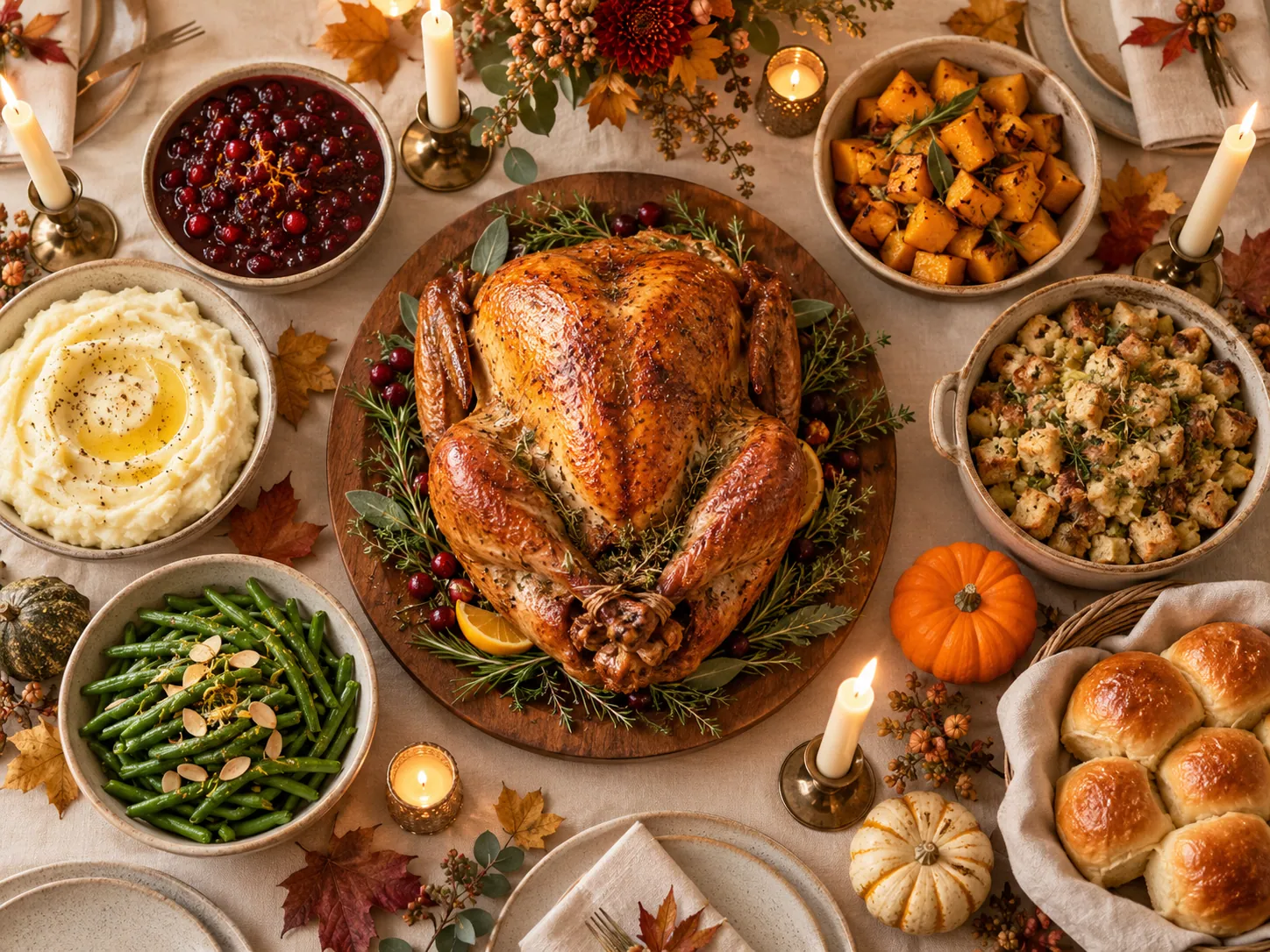
Thanksgiving Family Portrait

  • Thanksgiving Prompts
  • Family
  • Realistic
  • Autumn
View full prompt

A warm Thanksgiving family portrait of five relatives gathered around a rustic oak table, soft golden window light across their faces, autumn leaves and a small pumpkin centerpiece, cozy knit sweaters in cream and rust, natural candid smiles, photorealistic, 4:3.

Cozy Christmas Family Portrait

  • Christmas Prompts
  • Family
  • Cozy
  • Warm Light
View full prompt

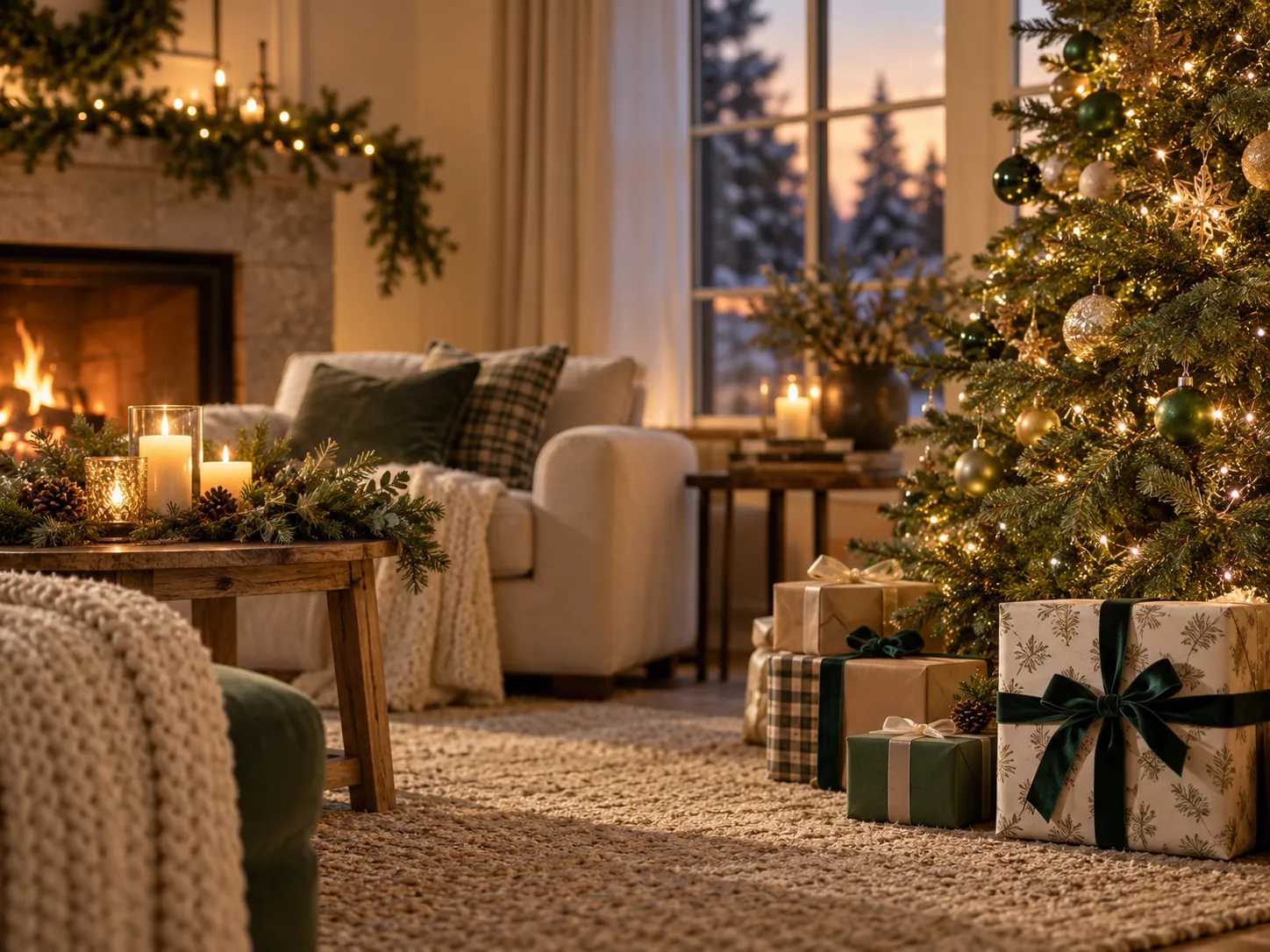
Cozy Christmas family portrait in a living room, four relatives sitting together on a linen sofa in matching cream and forest green knitwear, a decorated tree glowing softly behind them, warm indoor lamps, mugs of cocoa, natural relaxed expressions, photorealistic, 4:3.

Halloween Portrait

  • Halloween Prompts
  • Portrait
  • Moody
  • Orange
View full prompt

Halloween portrait of a person under amber porch light, half the face in shadow, subtle face paint along the cheekbones, dried leaves drifting past, cropped leather jacket, deep orange and charcoal palette, shallow depth of field, photorealistic, 4:3.

Romantic Couple Portrait

  • Couple Portrait Prompts
  • Romantic
  • Soft Light
  • Realistic
View full prompt

Romantic couple portrait in a sunlit garden, the two standing close with foreheads nearly touching, her hand resting on his chest, soft diffused light, blush and cream outfit palette, gentle bokeh behind them, 85mm lens, warm skin tones, 4:3.

Classic Professional Headshot

  • Professional Headshot Prompts
  • Corporate
  • Studio
  • Clean
View full prompt

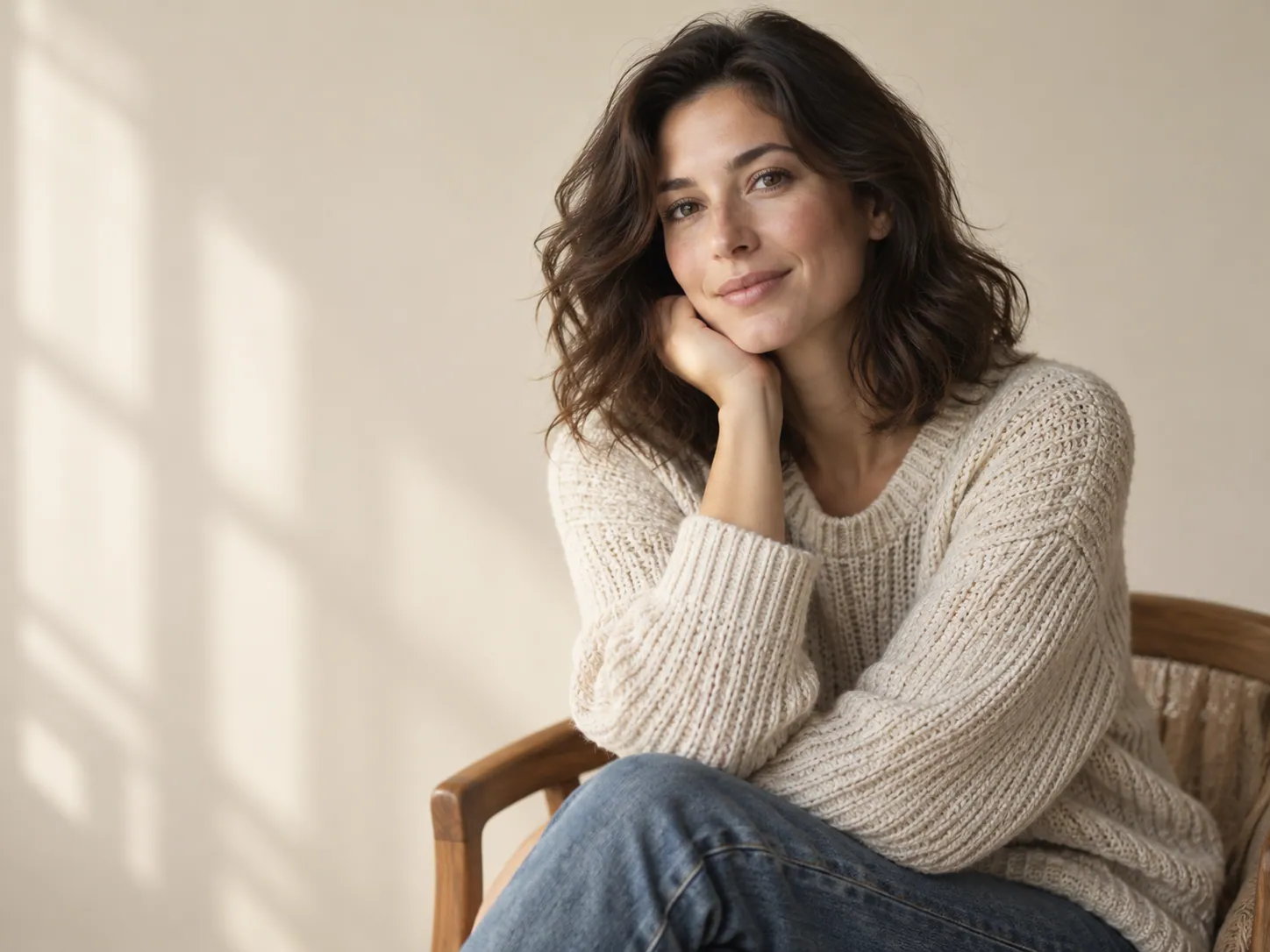
Classic professional headshot of an adult in a tailored navy blazer, framed from mid-chest up, seamless light grey studio backdrop, large softbox at 45 degrees, even skin tones, confident neutral expression, sharp eyes, corporate photography, 4:3.

Aesthetic Instagram Photo

  • Instagram Prompts
  • Aesthetic
  • Minimal
  • Neutral
View full prompt

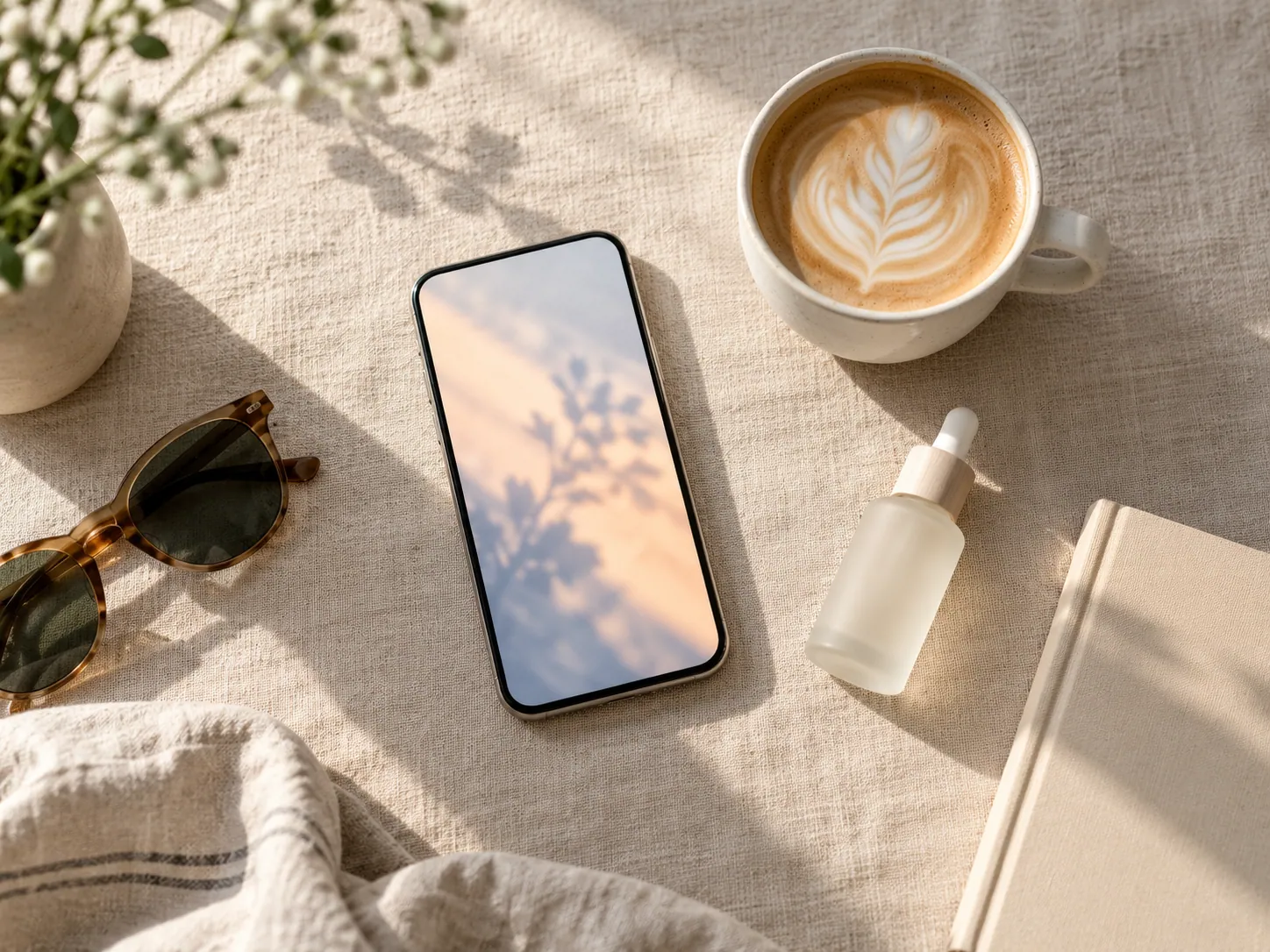
Aesthetic Instagram photo of an iced coffee on a linen tablecloth beside an open magazine, soft morning light from the left, cream and warm grey palette, minimal styling with one small plant in frame, gentle shadows, feed-consistent look, 4:3.

Minimal Product Studio Shot

  • Product Photography Prompts
  • Studio
  • Minimal
  • Clean
View full prompt

Minimal product studio shot of a matte ceramic mug on a seamless off-white surface, single soft light from the upper left, one clean contact shadow, product centered with even margins, catalog styling, 4:3.

New Year Fireworks

  • New Year Prompts
  • Fireworks
  • Night
  • City
View full prompt

New Year fireworks over a city skyline, gold and white bursts spreading above lit towers, long exposure trails reflected in a river below, deep blue night sky with a hint of haze, wide cinematic framing, 4:3.

How to Use AI Image Prompts

A prompt is a short written brief. It tells the image model what the picture is about, where it happens, how it is lit, and which colors belong in it. The more precisely those four things are described, the less the model has to guess.

Start with a prompt from one of the collections, paste it into Nano Banana Pro, and look at the first result. Then rewrite a single detail and run it again. Changing one element at a time is the fastest way to reach the image you have in mind.

  • Pick a collection, then pick a prompt that matches your subject.
  • Copy the prompt and paste it into the tool as it is.
  • Change one detail, such as the light or the background.
  • Reuse the prompts you like so your images stay consistent.

Tips for Getting Better AI Images

Describe the Subject First

Lead with the main subject so the model knows what the picture is about before it starts filling in scenery and styling.

Name the Light and the Colors

Lighting and color do more for the mood than any styling detail. Always include a light source, a direction, and two or three colors.

Say How the Image Is Framed

Close-up, medium shot, wide view, or overhead. Stating the framing prevents unwanted crops and keeps subjects in the right position.

Keep Prompts Portable

Prompts on this site are plain text, so you can reuse them in any image tool, adjust them in the customizer, or edit them by hand.

Frequently Asked Questions

What are AI image prompts?

They are written descriptions of an image, covering the subject, the setting, the lighting, the colors, and the style, that an AI image generator turns into a picture.

How do I copy and use a prompt?

Select Copy Prompt on any card. The full prompt text is placed on your clipboard, and the button confirms with Copied! so you can paste it straight into the generator.

Can I customize these prompts?

Yes. Every card has a Customize option that opens the prompt customizer, where you can change the subject, scene, visual style, lighting, color palette, and aspect ratio.

Which AI image tools can use these prompts?

The prompts are plain English descriptions rather than tool-specific syntax, so they work in Nano Banana Pro and in other text-to-image tools that accept natural language prompts.

Sign in to Nano Banana Pro

Sign in with Google to generate images and keep your creation history on this device.