Vacation & Travel Photos
We all have vacation photos ruined by random strangers in the background. Now you can brush them away in seconds and keep only your beautiful scenery.
 Nano Banana Pro
 Turn your favorite photos into clean, professional images in seconds. Whether it is an unexpected photobomber in your vacation snapshot or an annoying power line in a real estate picture, our smart AI object remover lets you brush it away and restores the background seamlessly—no complex editing skills needed.
Sign in with Google, upload a photo, and describe what you want removed. Every account can edit one image for free each day.
Drag the interactive slider below to see how our advanced AI inpainting technology cleans up complex backgrounds without leaving a trace or a blurry spot. The after photo is the same shot with only the background stranger removed.
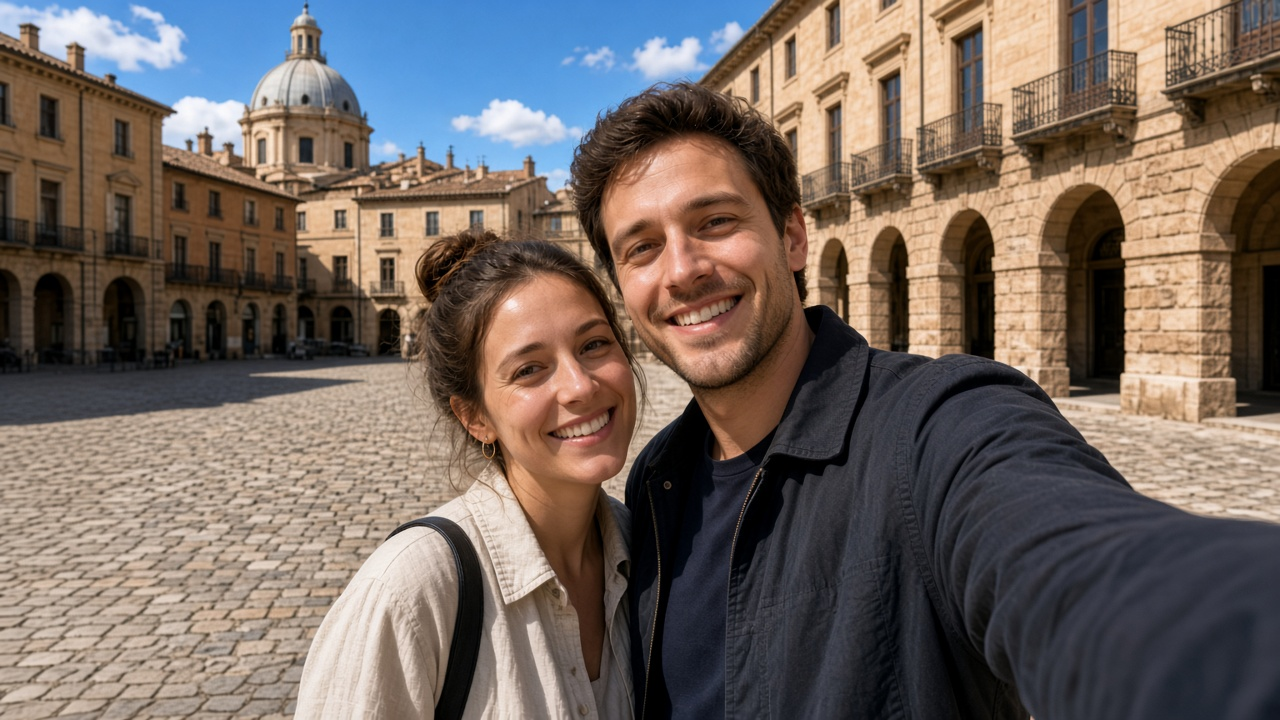
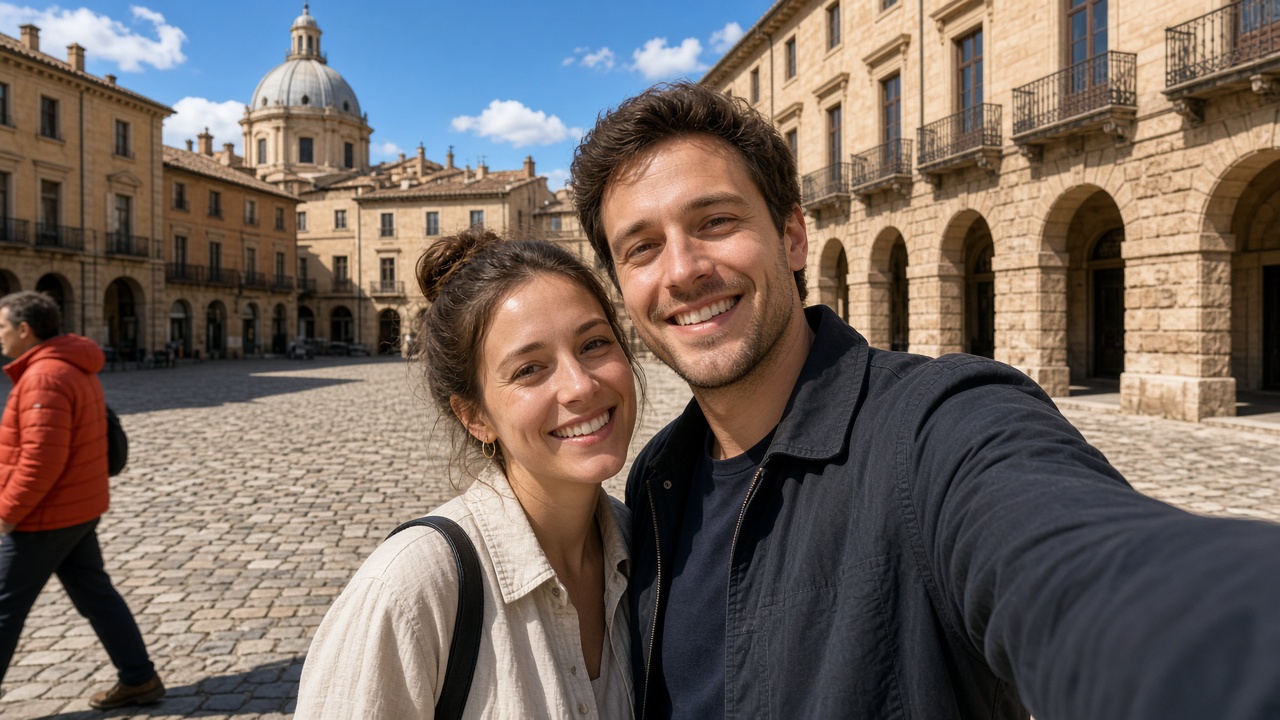
We all have vacation photos ruined by random strangers in the background. Now you can brush them away in seconds and keep only your beautiful scenery.
People looking to buy a house want to see a clean space—not messy power lines, parked cars, or trash cans. Make your property photos look great instantly.
Good product pictures help sell items. Easily remove annoying dust, background reflections, or extra things to make your products look professional.
Have an old photo with an unwanted date stamp, text, or small logo on it? Erase them smoothly without losing photo quality.
Start by uploading the photo you want to edit. We support all common formats, including JPG, PNG, and WebP, straight from your computer or mobile device.
Select our brush tool and gently paint over the person, text, or background clutter you wish to eliminate. You can easily adjust the brush size for precise editing.
Hit the process button and let the AI instantly fill in the background based on surrounding textures. Preview the result and download your clean, edited image.
Powered by optimized AI models, your edited photos are ready in just a few seconds, saving you hours of manual retouching.
Unlike basic editors that leave awkward blurry patches, our AI intelligently analyzes lighting, shadows, and textures to rebuild the background naturally.
We respect your privacy. All uploaded images are processed securely and deleted automatically from our servers after a short period.
No hidden subscriptions, no mandatory software downloads, and no complicated sign-up processes required to get started.
Yes, you can upload, edit, and download your processed images for free without needing a paid subscription.
Not at all. Our tool runs entirely online inside your web browser, meaning you can edit photos from any device without installing heavy software.
The tool uses advanced image inpainting technology. When you paint over an object, the AI scans the surrounding pixels, lighting, and textures to reconstruct the background so it looks completely natural.
We support standard image formats like JPG, JPEG, PNG, and WebP, accommodating both high-resolution desktop photos and mobile shots.