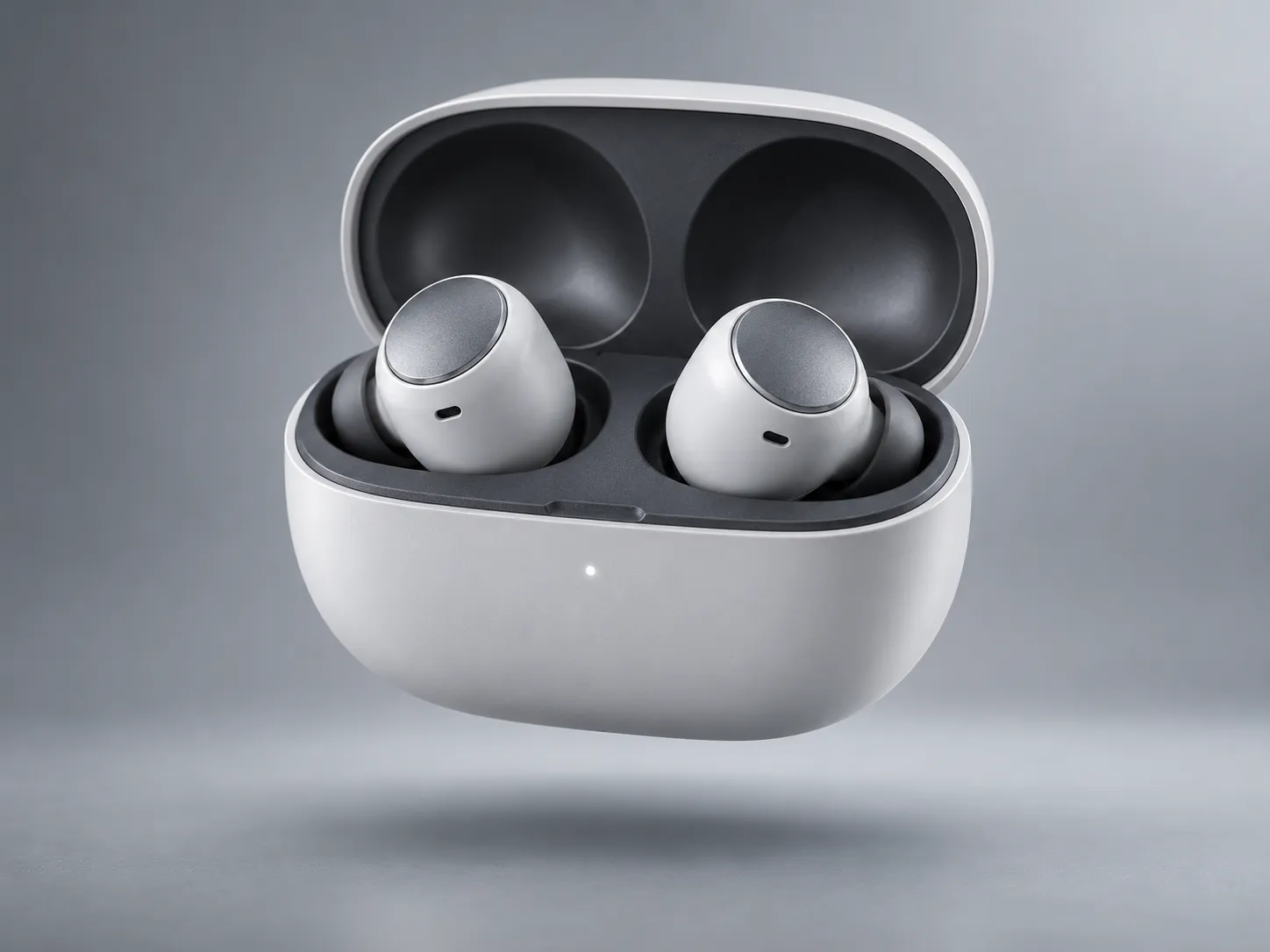
Electronics and Dark Products
Dust is easy to see on black phones, headphones, keyboards, cameras, and other dark products. Remove small visible particles before listing the image.
 Nano Banana Pro
AI Product Photo Cleaner
Dust and tiny particles can make an otherwise great product photo look untidy. Upload your image and use AI to clean up visible dust, lint, and small specks while keeping the product’s original appearance.
You have taken a product photo, but when you look closely, you notice tiny dust particles on the surface.
Taking the photo again is not always necessary. An AI product photo cleaner can help remove small visible particles from your image while you prepare product pictures.
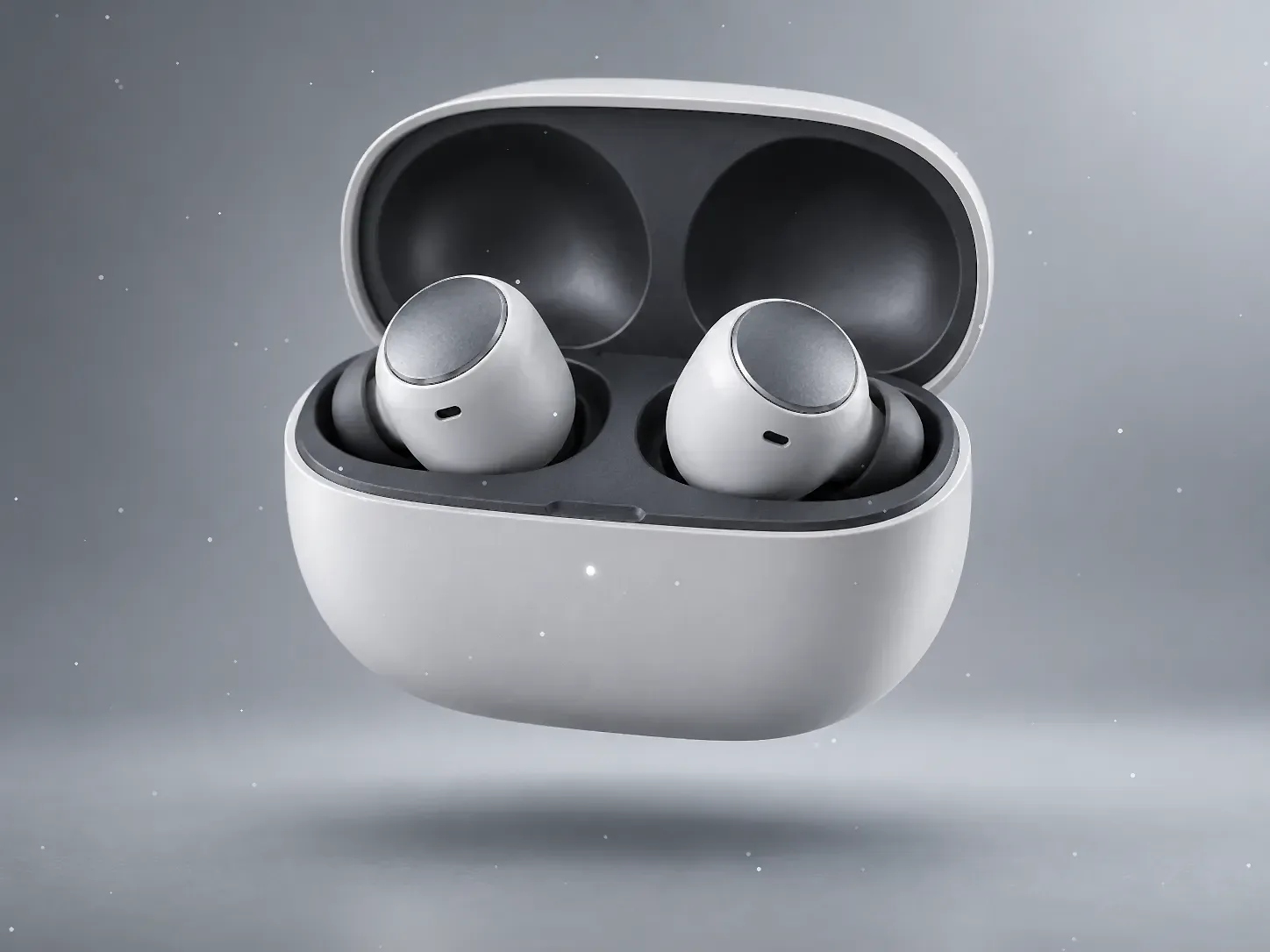
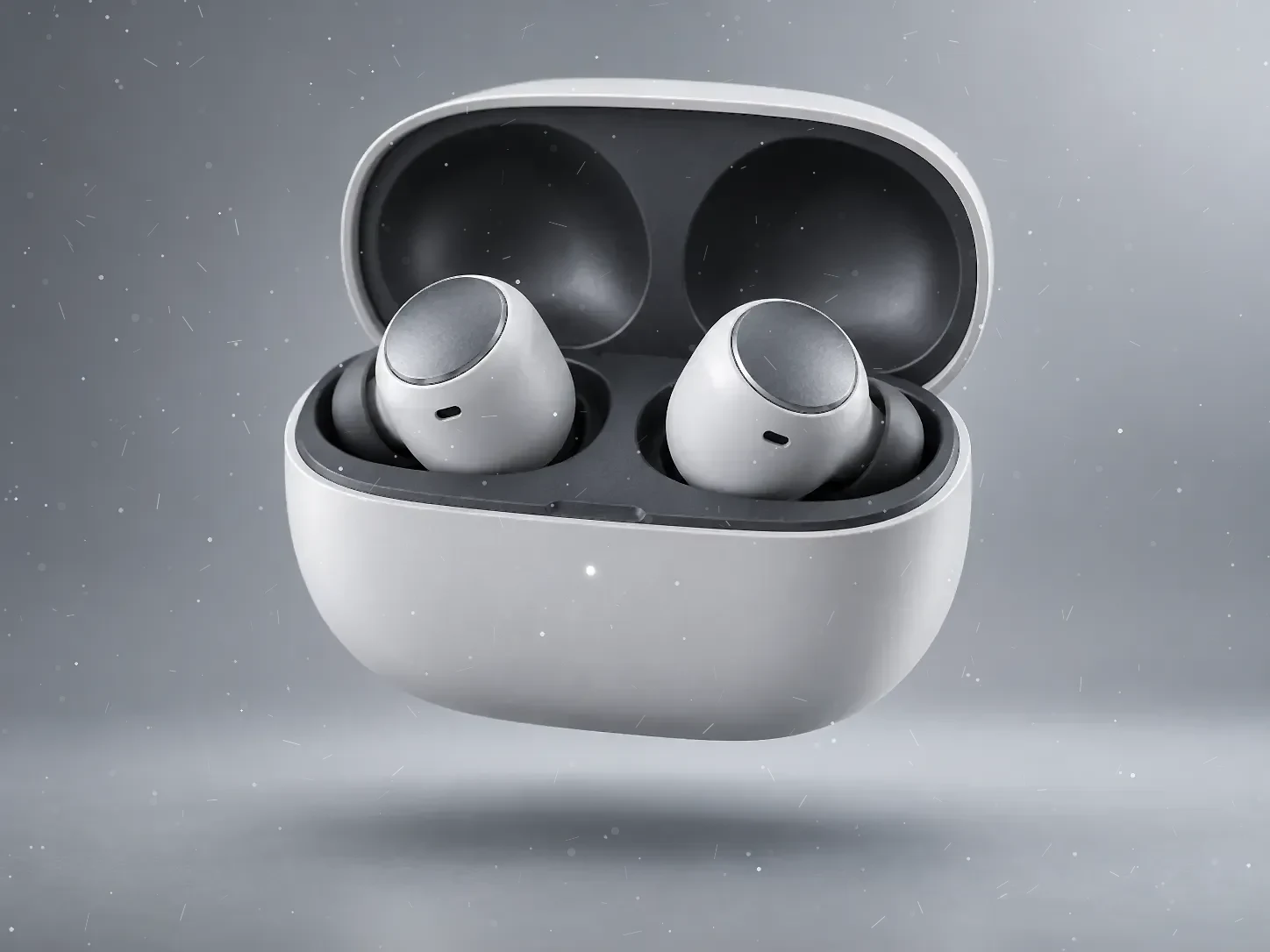
Dust is easy to see on black phones, headphones, keyboards, cameras, and other dark products. Remove small visible particles before listing the image.

Tiny particles can stand out on rings, watches, metal accessories, and polished surfaces. Clean small specks while keeping original details.
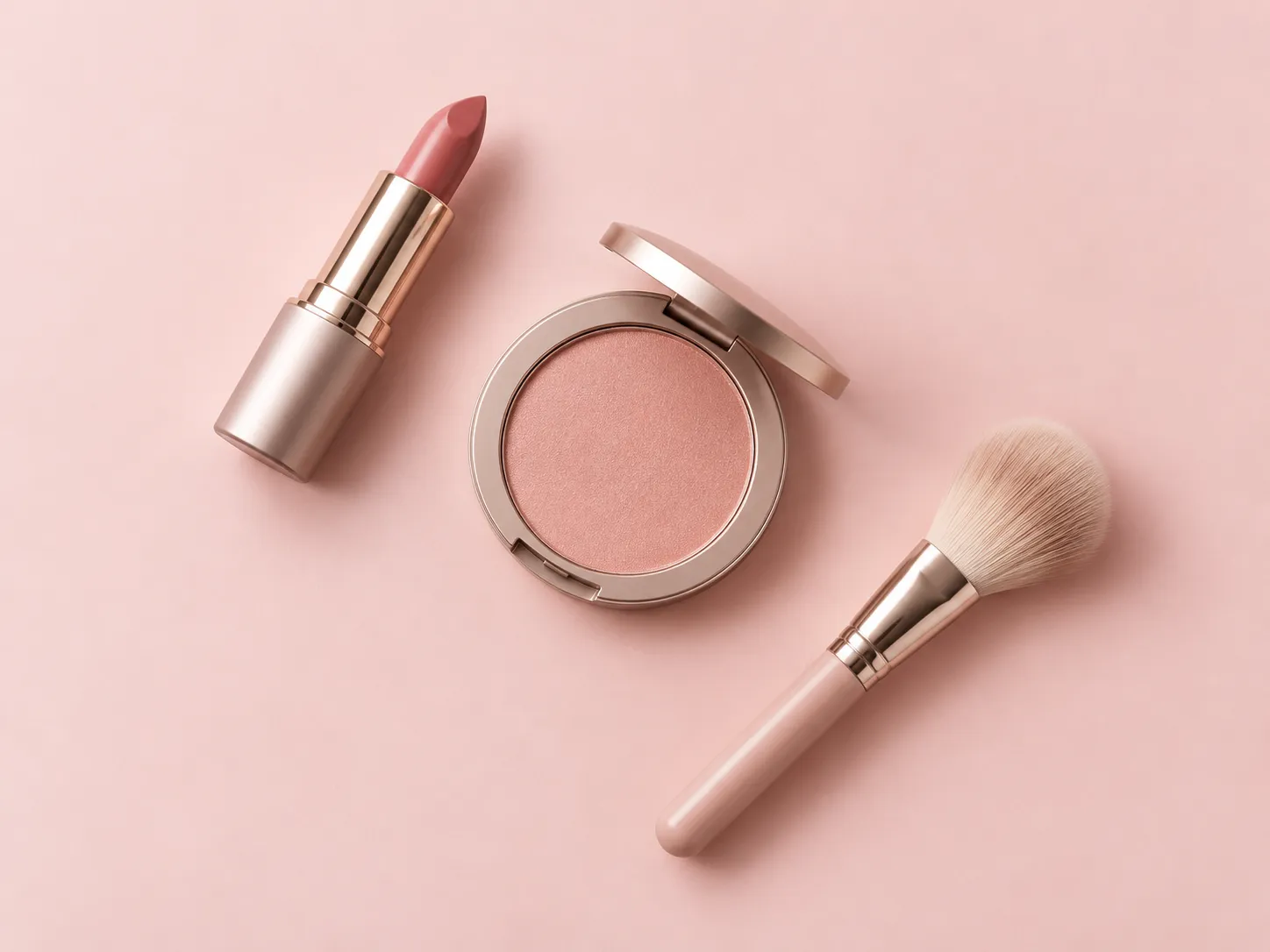
Lint, loose fibers, and small fabric particles can make clothing photos look untidy. Remove visible lint while preserving the fabric texture.
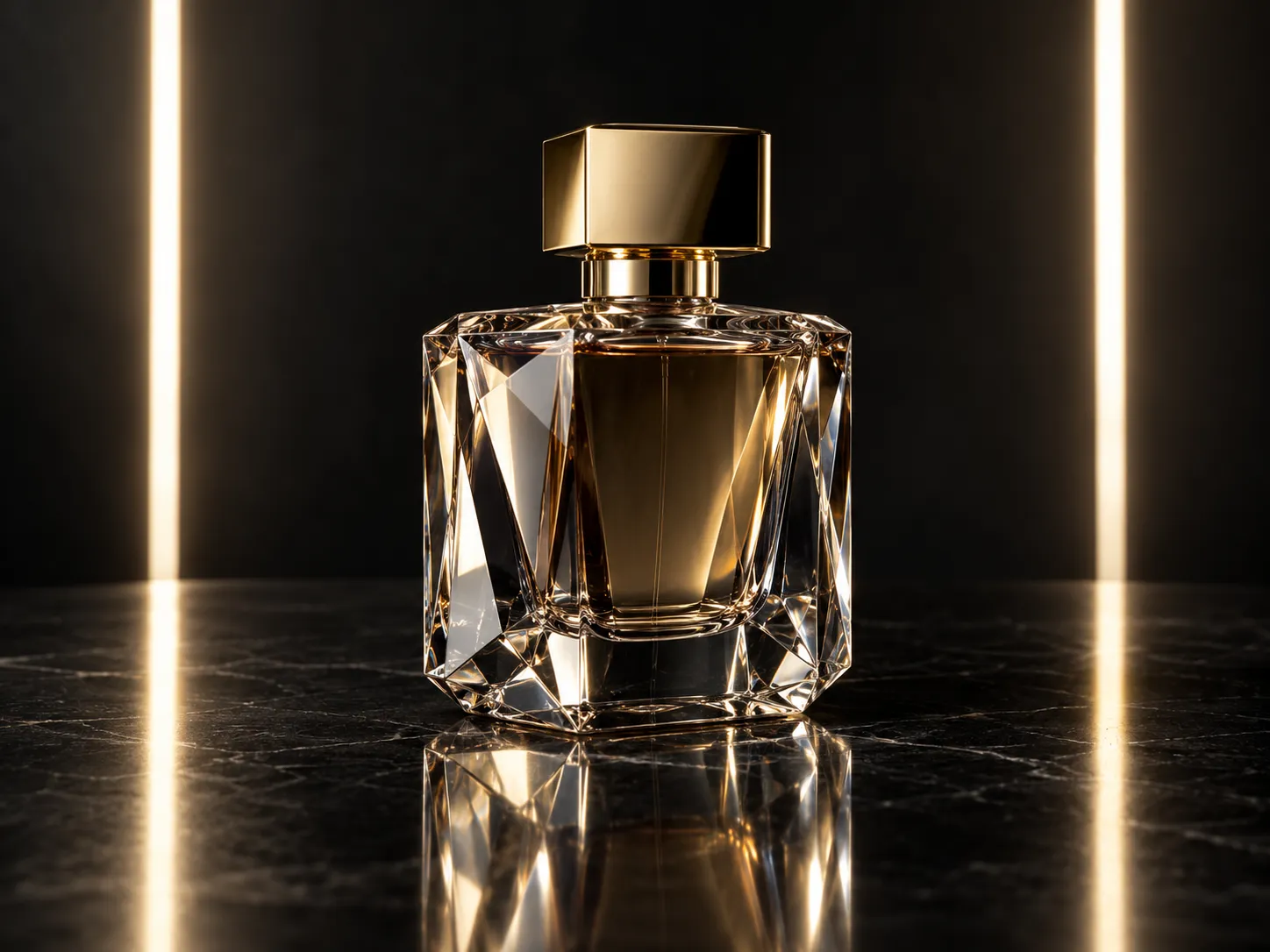
Dust on glass bottles, transparent containers, and packaging can be distracting. Clean small particles in the final image.
Removing dust should not mean changing the product itself. Important details should remain as close to the original as possible.
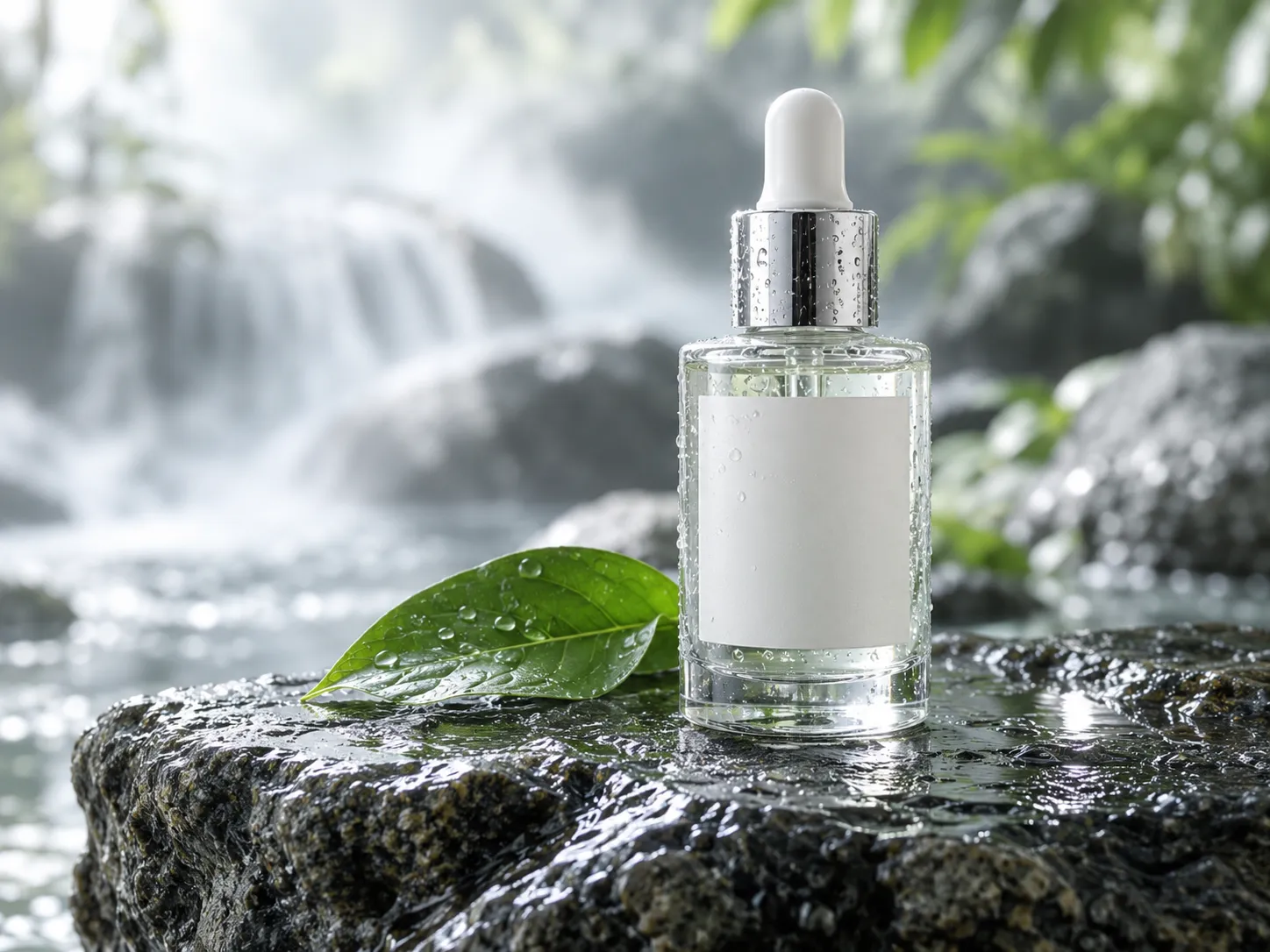
Keep the product’s original color instead of making it brighter, darker, or different.
Preserve the appearance of metal, glass, plastic, leather, and fabric.
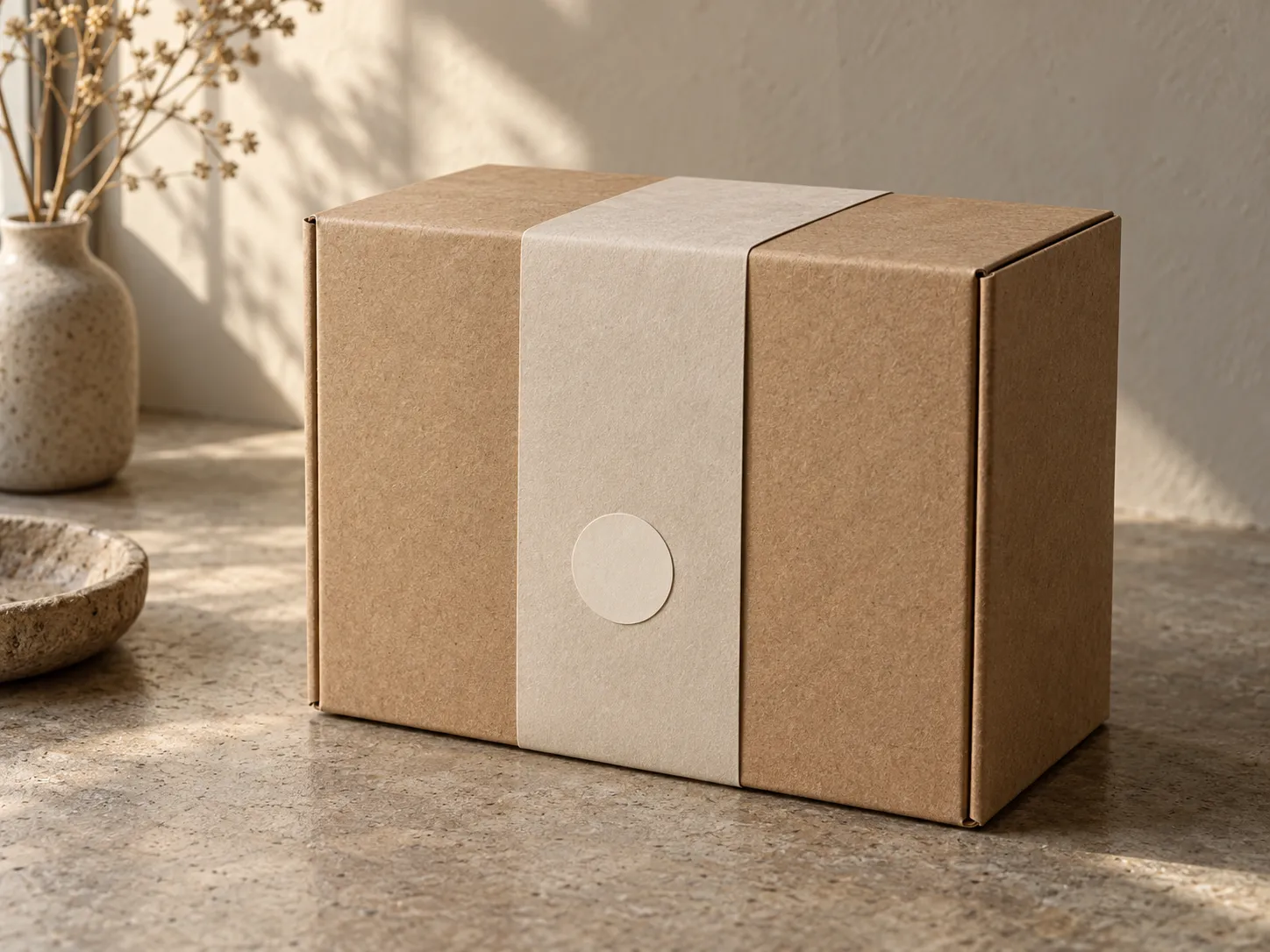
Keep logos, buttons, stitching, labels, and other important details intact.
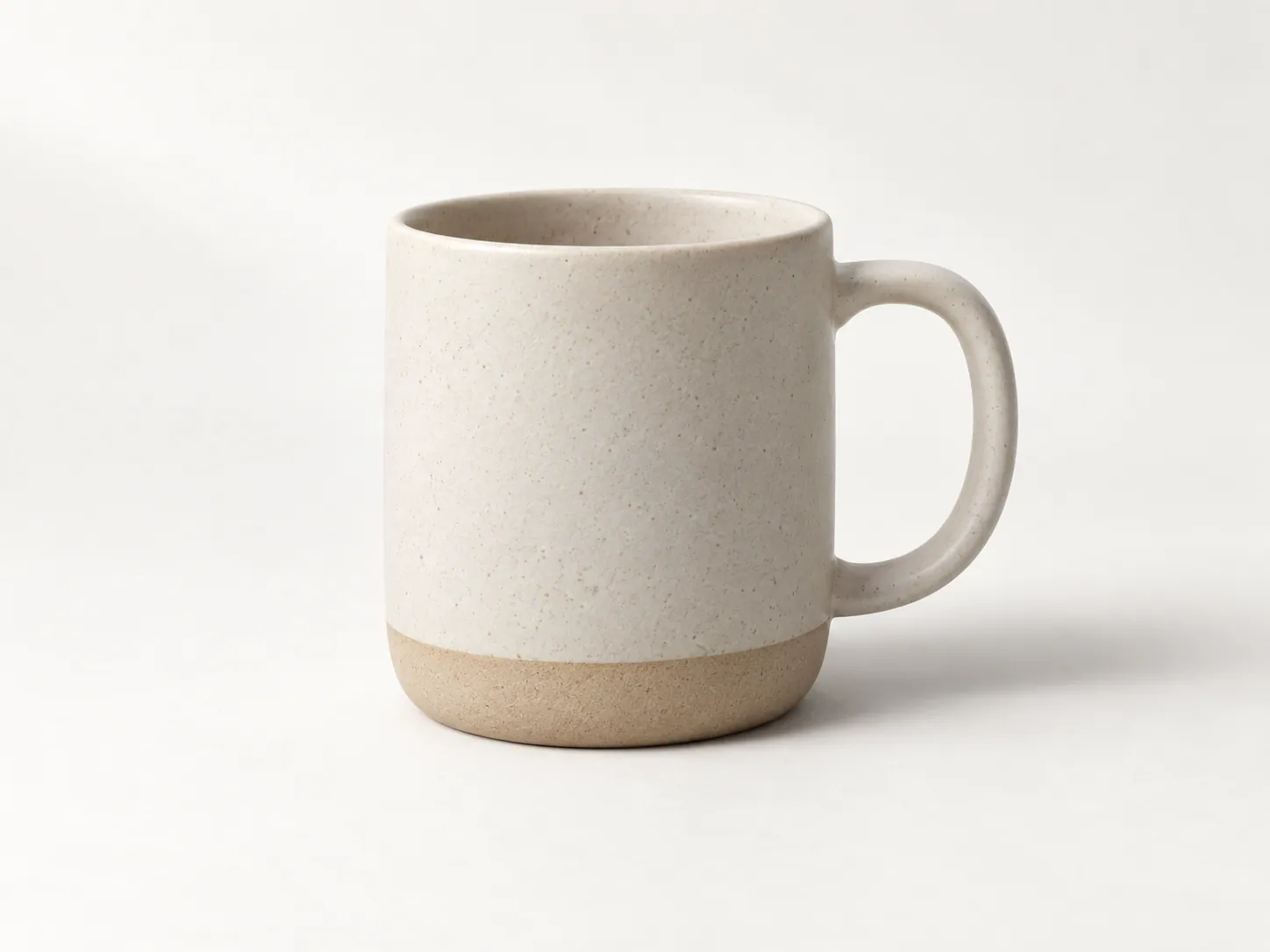
Avoid removing natural product shadows or changing the original lighting just to make the image look cleaner.
Remove visible dust and lint before uploading images so the product looks cleaner and easier to inspect.

You may notice dust only after checking photos on a larger screen. Clean small particles without arranging another photoshoot.

Small particles become more noticeable in large promotional images. Clean visible specks before marketing use.
Choose the product photo you want to clean. JPG, PNG, and WEBP are supported.
Use the instruction field to identify the particles and where they appear. Brush selection is not claimed on this page.
This prototype validates the upload and prepares the request. AI image processing is not connected yet.
Continue in the real AI Image Editor for live cleanup, compare the result, and check logos and fine details before downloading.
Dust removal works best on small, clearly visible particles. Large stains, scratches, missing material, and damaged surfaces may require different editing tools.
Upload your product photo to an AI cleaner and start the editing process. The tool attempts to remove visible dust and small particles while keeping the product appearance close to the original.
Yes. Dust is often especially noticeable on black and dark surfaces. A clear, high-resolution image can help the AI identify small particles.
Yes, small visible lint and loose fibers can be treated as similar surface cleanup tasks. Check the fabric texture after editing.
You can use dust removal on small particles visible around jewelry and accessories. Check that fine metal details and stones remain intact.
The purpose is to remove unwanted particles rather than recolor the product. AI editing may affect nearby pixels, so always compare the result with the original.
Yes, if the particles are visible. Glass reflections and transparency can make precise editing more difficult, so results may vary.
The edit should focus on the selected product area. Clear instructions help preserve the background and unrelated parts of the image.
Yes. It can help clean small visible particles before you upload images to an online store or marketplace.
This task is designed for dust, lint, and small surface particles. Deep scratches, stains, dents, and damaged surfaces may require a different repair process.
Remove visible dust, lint, and small particles before sharing or publishing your product images.
Clean My Product Photo