Change Background
Replace the background of your photo with a new scene while keeping the main subject natural.
 Nano Banana Pro
 Edit and transform your images with the power of AI.
Upload an image and use simple prompts to change backgrounds, remove or add objects, adjust styles, and turn your existing images into something new.
Sign in with Google to turn your idea into an original image. Every account can create one free image each day.
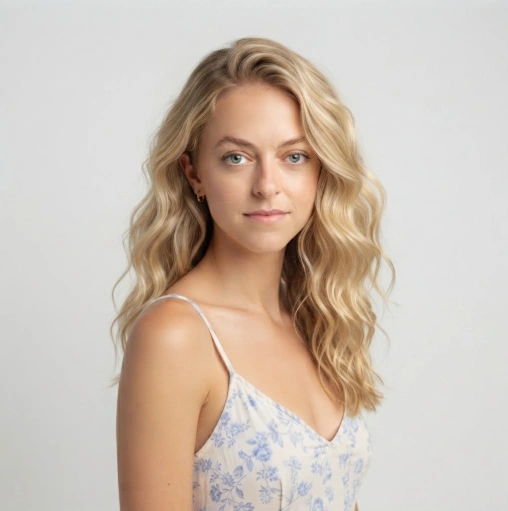
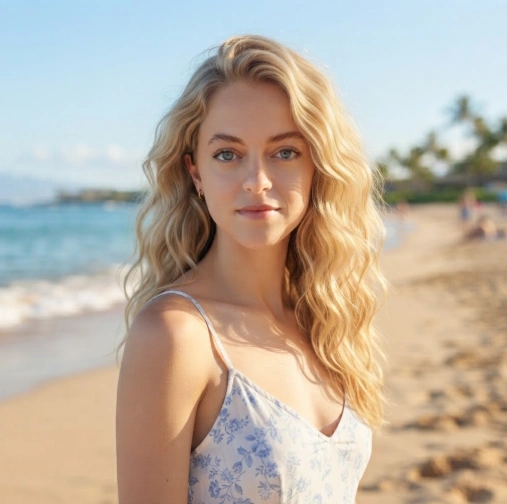
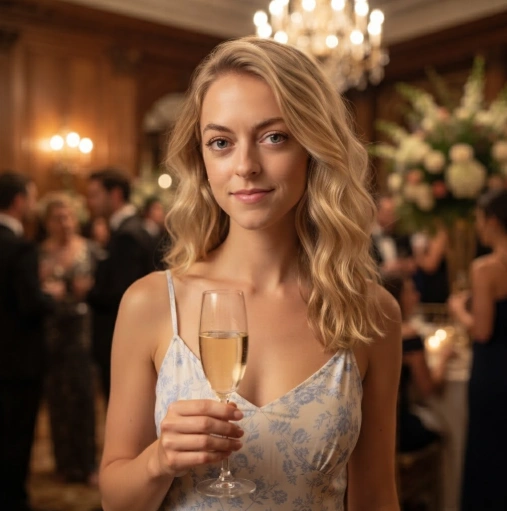
Replace the background of your photo with a new scene while keeping the main subject natural.
Remove unwanted people, objects, or distractions and let AI fill in the missing area naturally.
Increase image resolution and improve details to make low-quality images sharper and clearer.
Extend your image beyond its original frame to create more space or change the aspect ratio.
Change a person's pose, expression, clothing, or other details while keeping their appearance consistent.
Transform an existing photo into a new visual style, from realistic photography to creative artwork.
Tell our AI image editor what you want to change in plain language. You can edit backgrounds, remove objects, change styles, or make other image edits without complicated tools.
Make targeted AI photo edits while keeping the important parts of your original image. Your main subject, details, and overall look can stay consistent as you make changes.
Go beyond simple photo edits with AI-powered image editing. Change backgrounds, add or remove objects, adjust poses, or transform an image with just a prompt.
Use AI image expansion to add more space around your photo without cropping the original. Create wider or taller images for different layouts and aspect ratios.
Use reference images to guide your AI image editing and keep people, products, and other important elements looking consistent across different edits.
Turn one image into multiple creative versions with image-to-image editing. Try new backgrounds, styles, poses, and compositions while building from your original image.
Fast, flexible AI image generation and editing for everyday creative projects. Create, edit, and transform images with simple text prompts.
Edit Nano Banana 2 →Advanced AI image generation and editing for more complex creative tasks. Get greater control over details, text, references, and professional workflows.
Use Nano Banana Pro →You can change backgrounds, remove or add objects, adjust poses, expand images, improve image quality, and transform the overall style.
Yes. Upload an image and simply describe what you want to change. You can use natural language instead of manually editing every part of the image.
Yes. You can ask the editor to replace the background while keeping the main subject and its important details intact.
Yes. You can ask the editor to change what a person is doing, adjust their pose, or create a different action while keeping the character consistent.
Yes. You can extend the image beyond its original frame to create a wider or taller composition and fit different aspect ratios.
Yes. Upload your image and describe what you want to add, remove, or replace. The editor can blend the changes with the original scene, including its lighting and perspective.
Yes. You can turn an existing photo into a different visual style, such as an illustration, cartoon, or another creative look, while keeping the main composition.
No. The editor is designed around natural-language instructions, so you can simply describe the change you want instead of learning complex editing tools.